

Counter types
CountTally is more than simple counting. Alongside the standard counter there are calculated formula counters and scoreboard sets for entire boards. You can also freely choose each counter’s shape.
Standard counter
The classic counter. You tap, the value rises. You can set these options per counter:
- Start value – the value “Reset” returns to (default 0).
- Step size – how much one tap counts (e.g. +1, +5, +100, also negative).
- Minimum / maximum – optional limits the value won’t exceed.
- Allow decimals – for fractional values instead of whole numbers only.
- Goal & goal type – a target with progress display; as a daily goal (activity) or total value.
- Streak period – whether your streak is counted per day or per week.
- Reset lock – requires a long press to reset, so nothing happens by accident.
- Milestone sound – a dedicated sound when a goal or round is reached, separate from the click sound while counting.
- Loop mode Lifetime – automatically resets to the start value when the goal is reached. Perfect for rounds, sets and repetitions.
Quick-count buttons
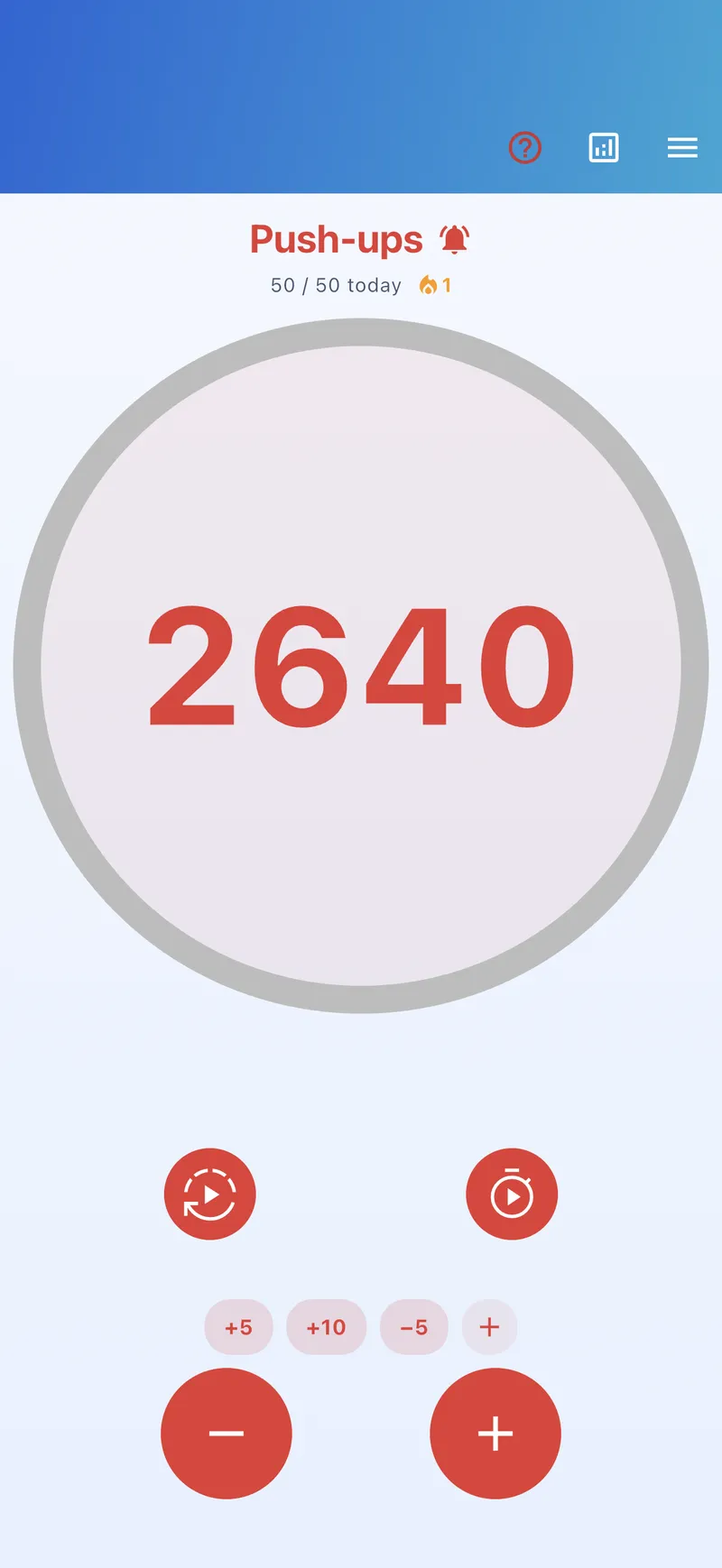
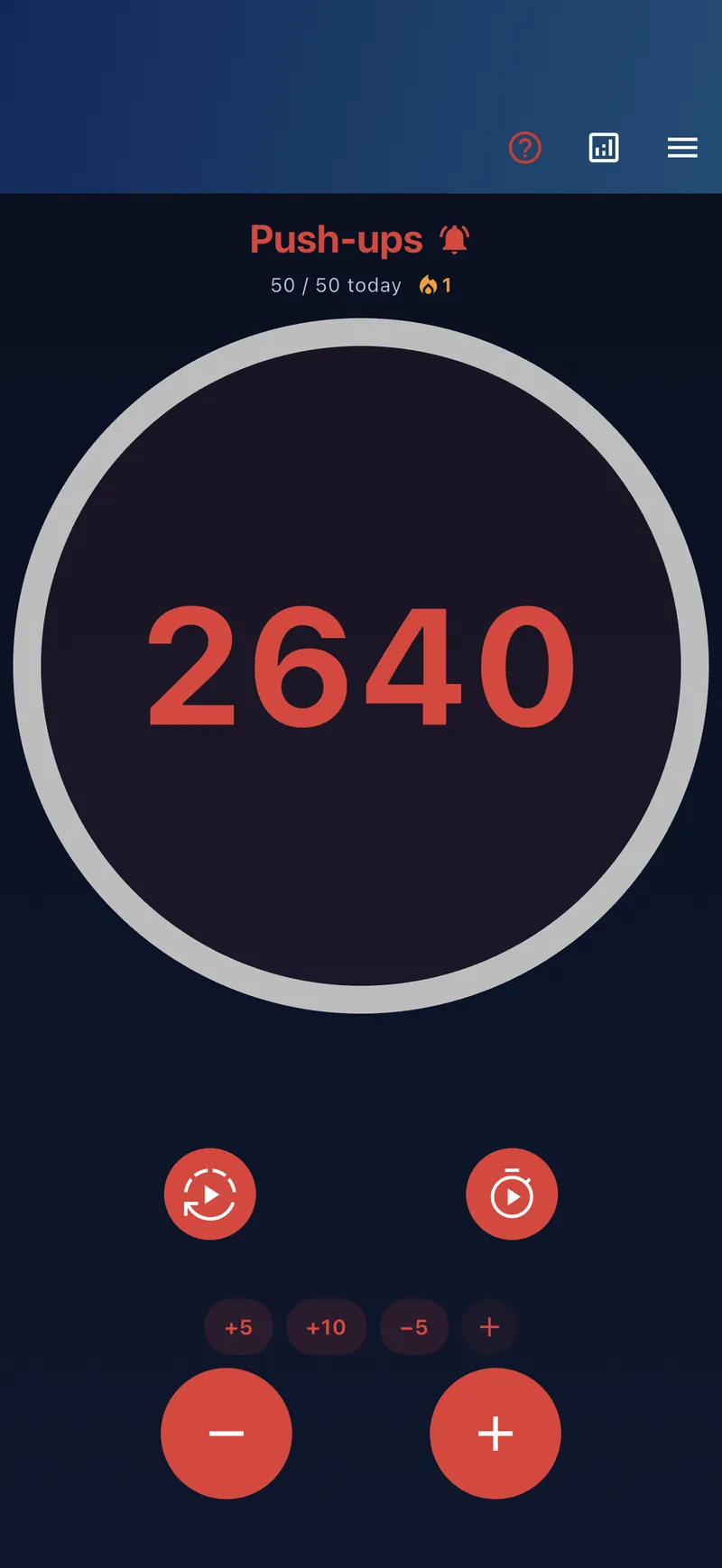
Beyond +/−, each counter can have its own quick-count buttons – each with a freely chosen value (e.g. +10, −5) and its own label. Count typical jumps with a single tap.
Auto-count
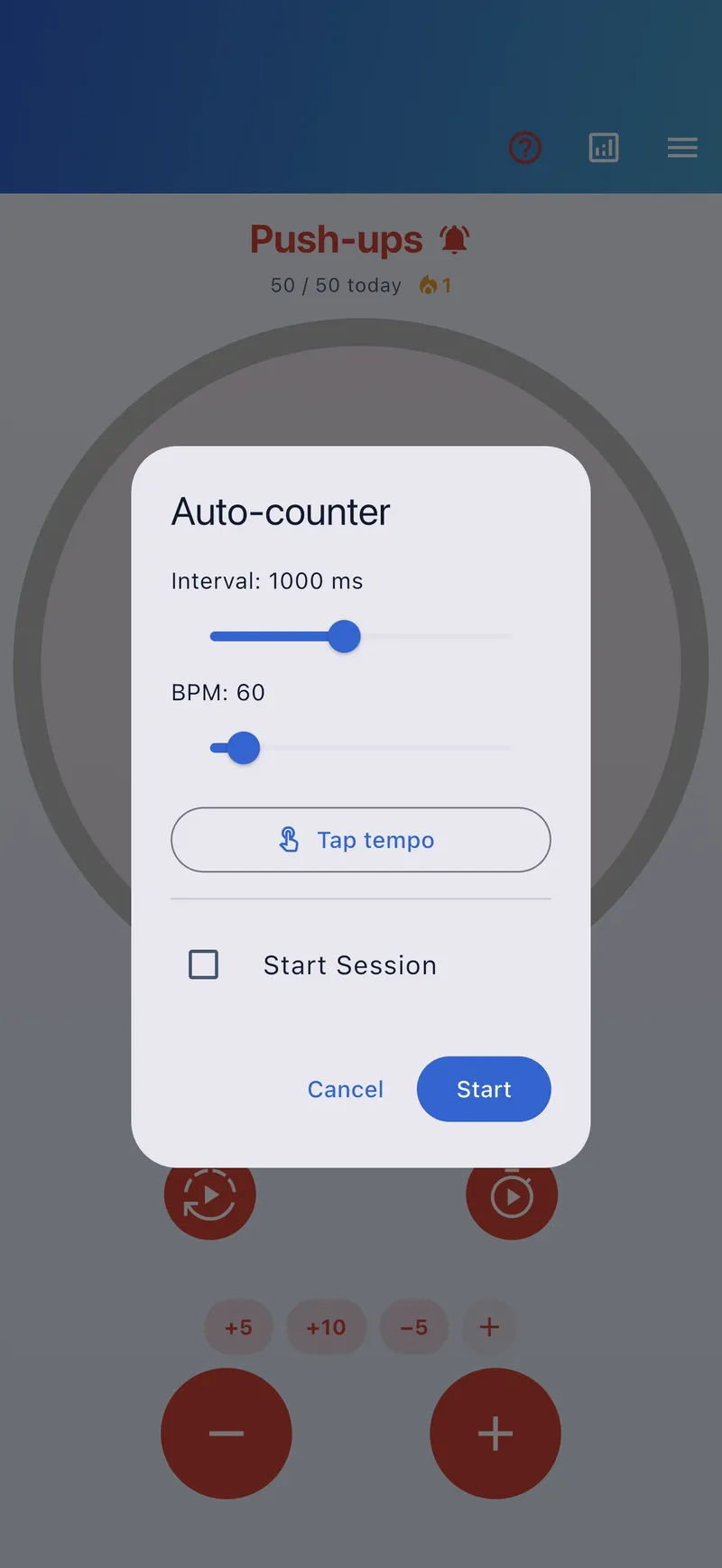
Auto-count keeps counting automatically at a fixed pace instead of tapping every step. You set the interval or tempo (BPM) – conveniently tapped in via tap tempo – and an optional goal stops it for you. Ideal for steady counting like beats, rounds or time intervals. Available on every plan.
Formula counter Lifetime
A formula counter doesn’t count itself – it calculates its value live from other counters and groups. When a value changes, the formula updates instantly.
Building a formula
When creating a counter, pick the counter kind Formula instead of Normal. A calculator-style editor opens where you assemble the formula:
- References to individual counters, whole groups or sets (inserted via a picker button).
- Operators
+−×÷and brackets for nested expressions. - Functions like
sum,avg,min,maxandcount– over single counters or whole groups. - Live preview: the result appears immediately; invalid formulas are clearly flagged.
Examples
- Revenue: revenue = units × price
- Free spaces: free = capacity − (entries − exits)
- Lead: lead = teamA − teamB
More on the formula counter feature page.
Scoreboard sets Lifetime
A scoreboard set combines several related counters into one interactive board – ideal for game scores and multi-group comparisons.
- Members: choose the counters and arrange them by drag & drop.
- Layout: grid, columns or rows.
- Orientation: portrait or landscape.
- Use: tap = +step, plus +/− per counter and “Reset all” for the next round.
- A formula counter inside the set (e.g. the difference) appears read-only with an ƒ badge.
Sports scenarios
For sets and points, create a counter per score and combine them in the set:
- Tennis: counters for points, games and sets per player – the set shows the full score.
- Volleyball: one counter per team plus a set counter; with loop mode the point counter resets after each set.
More on the scoreboard sets feature page.
Counter shapes
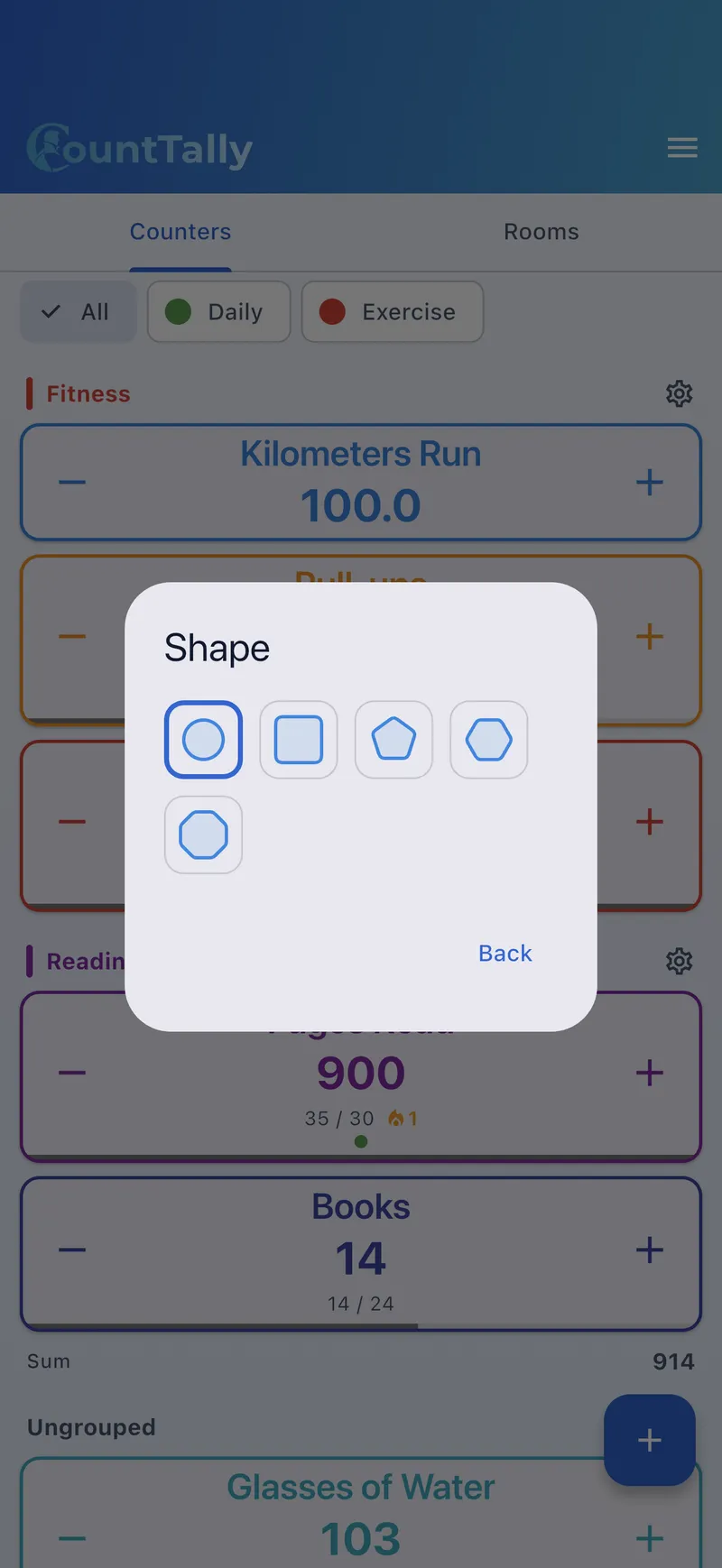
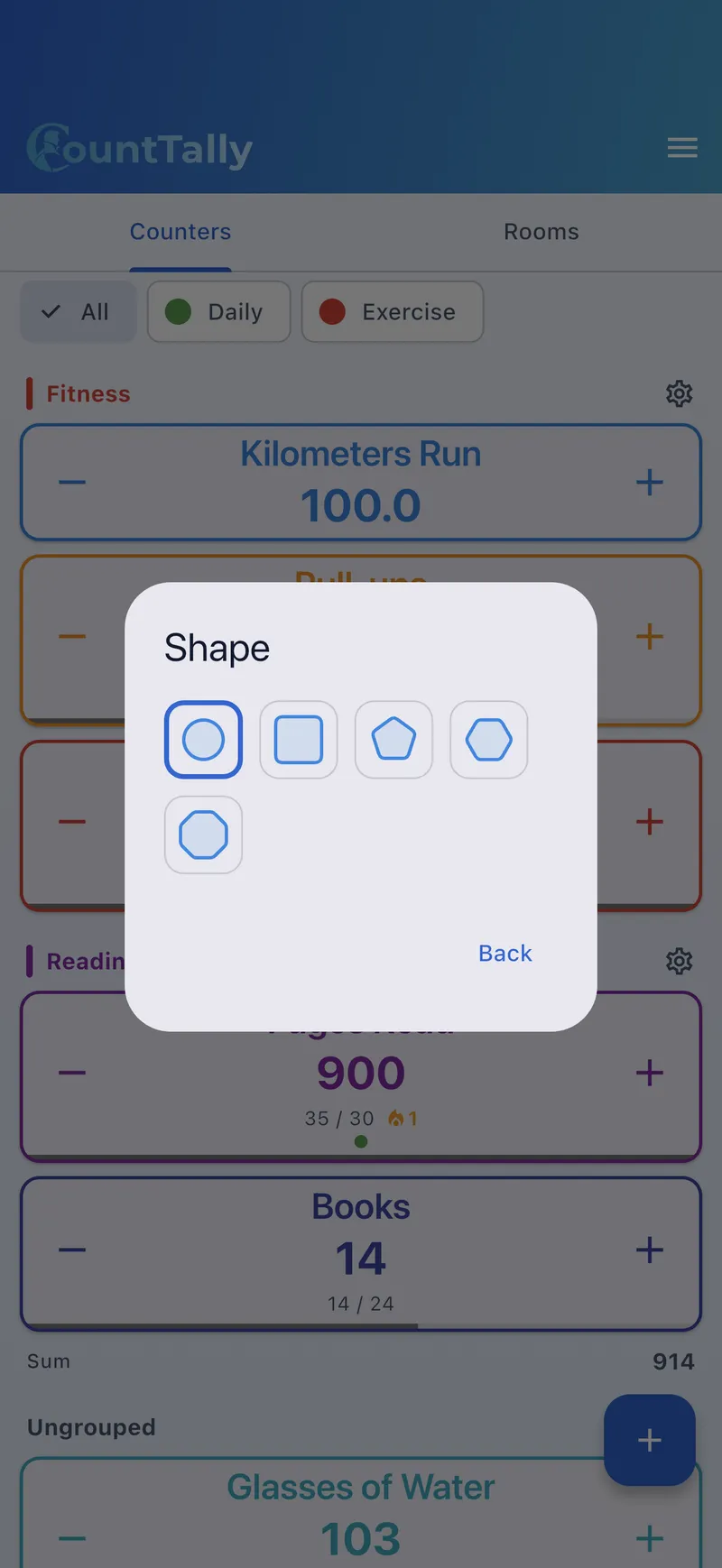
Each counter can have its own shape. The shape changes the look of the large counting area in the detail view – the controls stay the same. Available are:
- Circle (default)
- Square
- Pentagon (5 sides)
- Hexagon (6 sides)
- Octagon (8 sides)
You set the shape when editing a counter. Set a default shape for new counters in Settings. More on looks on the appearance page.