


Templates
Templates (presets) are ready-made counter building blocks. From them you create new counters with one tap – with matching settings, colour and symbol.
Template catalog
- Built-in templates – a collection of typical counters (e.g. for sports, everyday life, counting tasks), ready to use.
- Your own templates – templates you saved, at the top of the catalog.
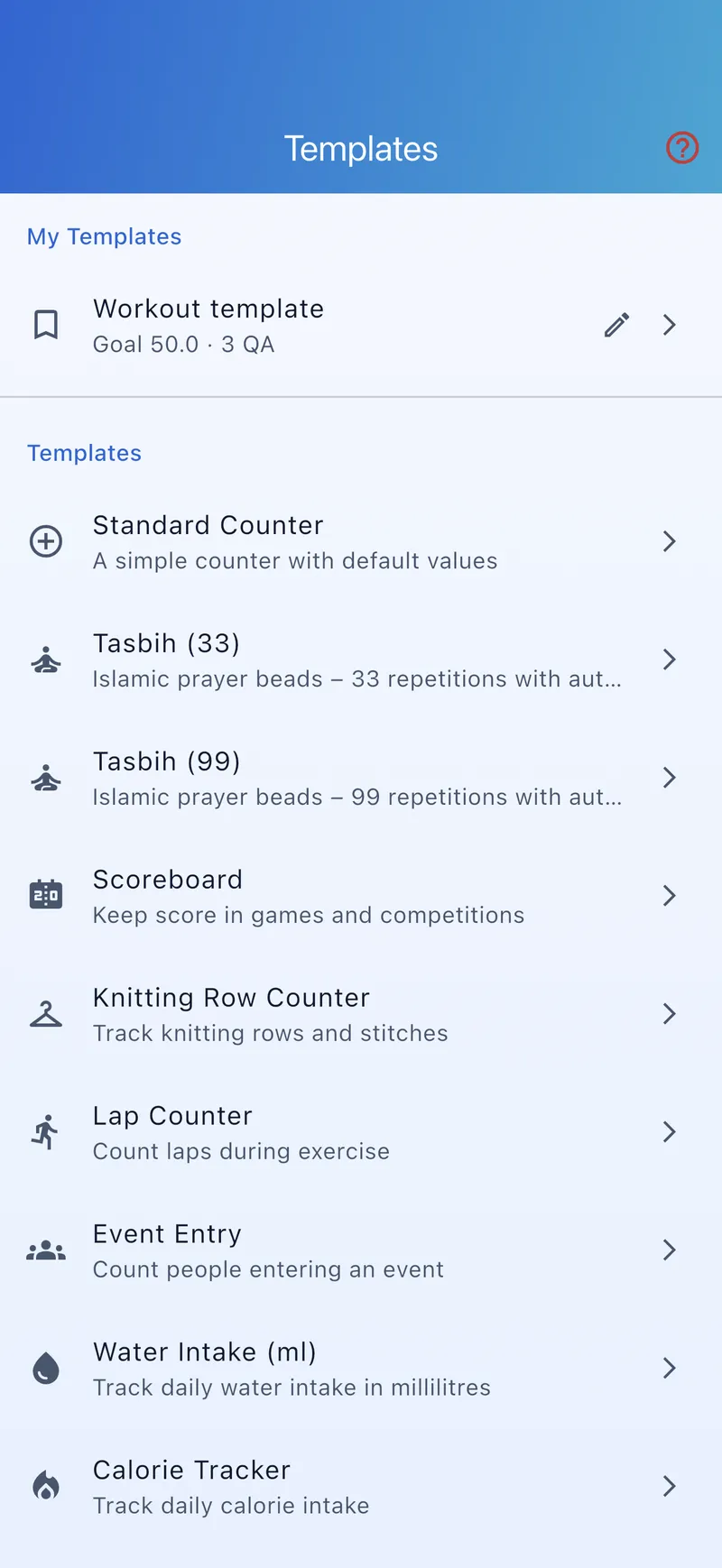
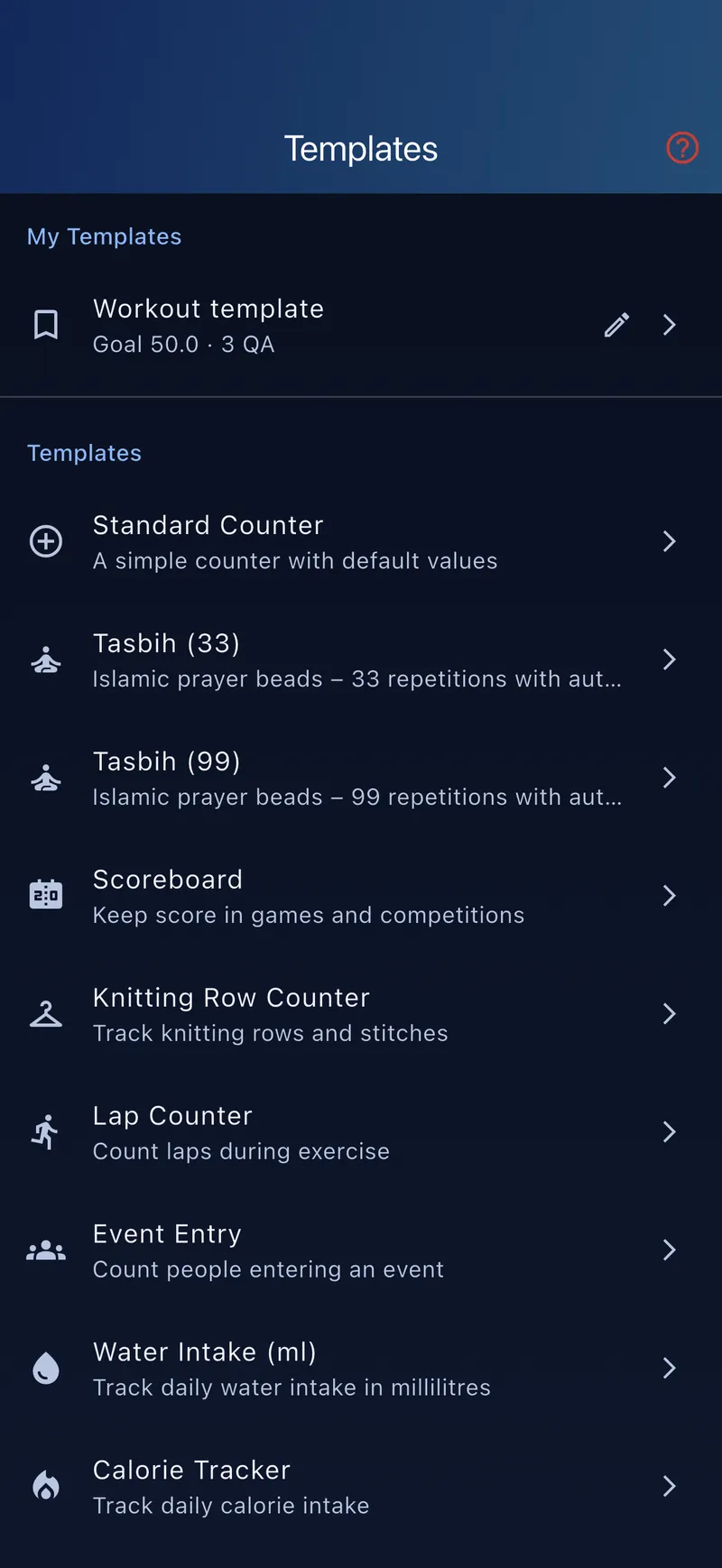
Apply a template
- Pick a template Open the template catalog and choose one.
- Apply Tap “Apply” – a new counter is created with the template's settings.
- Customise Then adjust the new counter as usual.
Save your own template
Once a counter is set up just right, save it via “Save as template”. That lets you quickly create more counters with the same settings later – it's also the easiest way to duplicate a counter.
For naming, grouping and colouring counters, see Organisation; for the settings of each counter type, see Counter types.