


Organisation
With many counters, order matters. CountTally helps with names, notes, groups, colours, symbols and flexible sorting so you keep the overview.
Naming & describing
- Name – every counter has a freely chosen name.
- Note – an optional short description field for context or reminders.
Groups & categories
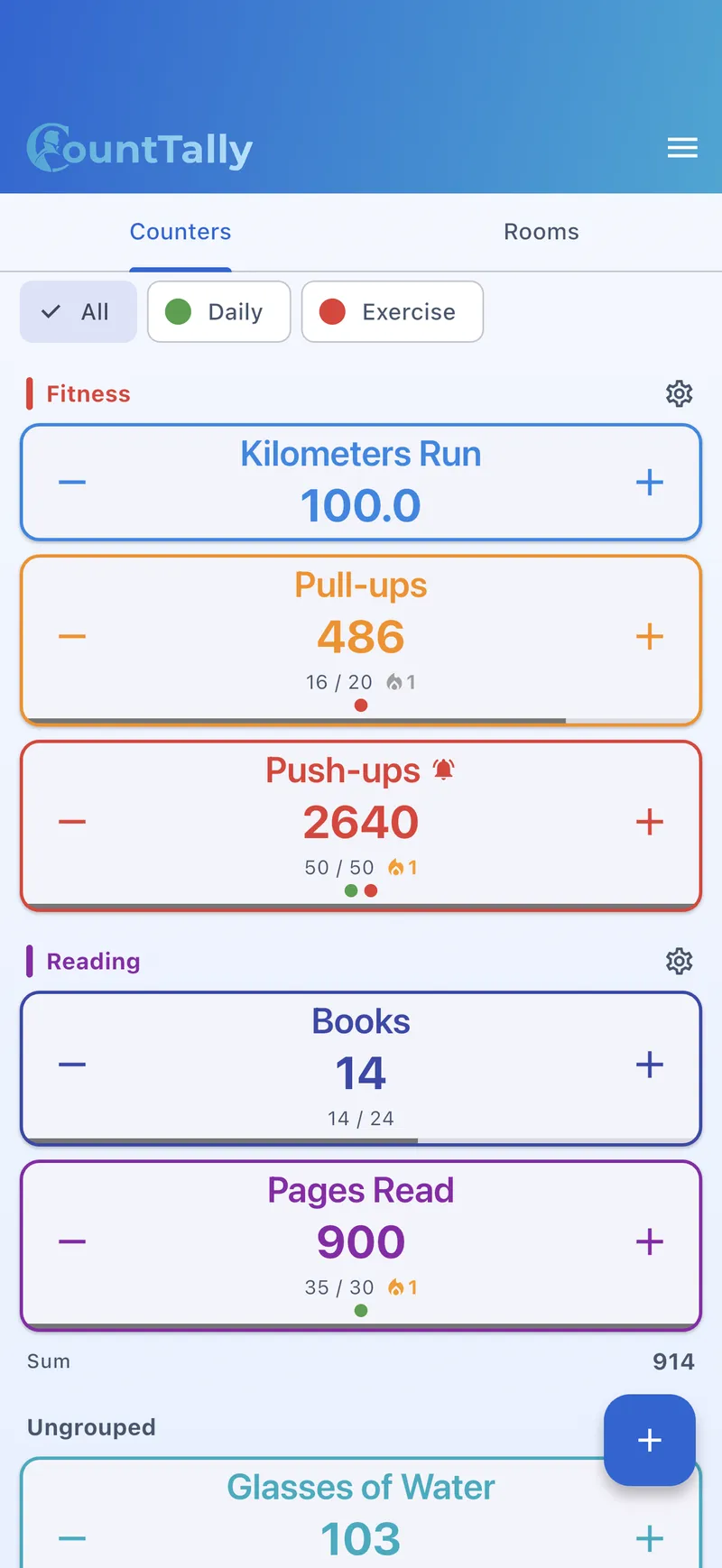
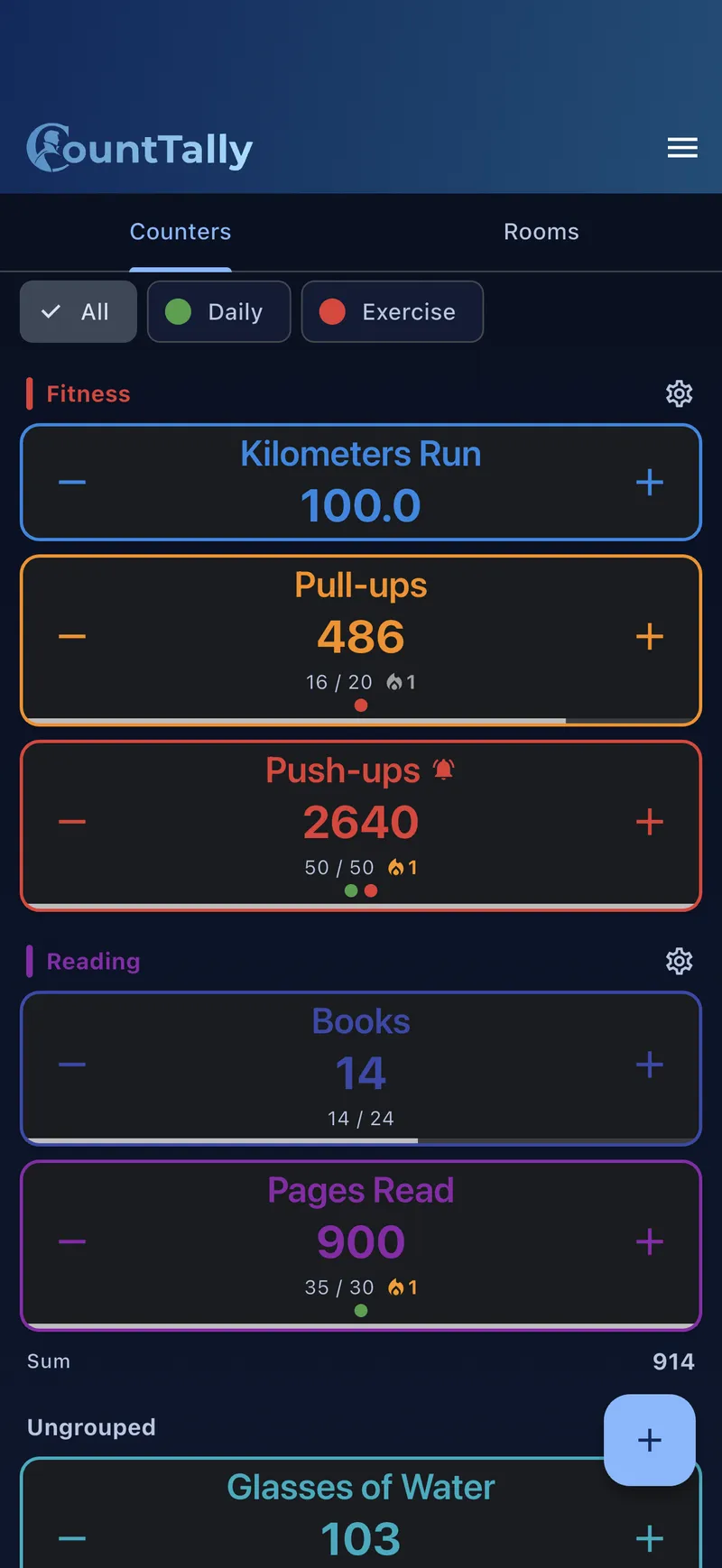
Groups bundle related counters. Counters without a group automatically appear under “Ungrouped”.
Create a group
- Create a group Add a new group and give it a name.
- Symbol & colour Optionally an icon/emoji and a colour for quick recognition.
- Show sum Enable “Show sum” to see the total of all counters in the group at a glance.
- Sorting Choose how counters within the group are sorted.
Assign counters
- When creating or editing a counter, via the group picker.
- By dragging in the overview’s edit mode (“Move to group”).
Tags Lifetime
Tags are free-form labels that cut across groups. While a counter belongs to exactly one group, it can carry several tags – ideal for bundling counters across themes or projects.
- Manage tags: in the tag management you create, rename or delete tags.
- Assign: give a counter one or more tags when editing it.
- Analyse: you can view statistics per tag too (see Statistics & history).
Colours & symbols
- Counter colour – each counter gets its own colour; optionally a different colour for dark mode.
- Background colour Lifetime – an optional custom background per counter (separate light/dark).
- Symbols & emoji Lifetime – a large symbol set plus emoji for counters and groups.
Sorting
Per group (and for ungrouped counters) you pick a sort order:
- Manual – arrange freely by dragging.
- Name – A→Z or Z→A.
- Value – ascending or descending.
- Created – newest or oldest first.
- Modified – recently edited first (or the reverse).
Duplicate, delete, archive
- Duplicate / template: use “Save as template” to store a counter’s settings and quickly create similar new ones.
- Delete: when editing a counter; a confirmation appears first.
- Archive: there is no separate archive – delete counters you no longer need, or collect them in an “Inactive” group.