


Sync & devices Pro
With Pro you use the same counters on phone, tablet, browser and desktop – encrypted and synced in real time. Your data stays yours.
💡
Requirement: an active Pro or Premium subscription and an account. Without sync, CountTally still works fully offline.
See plans →Create an account & sign in
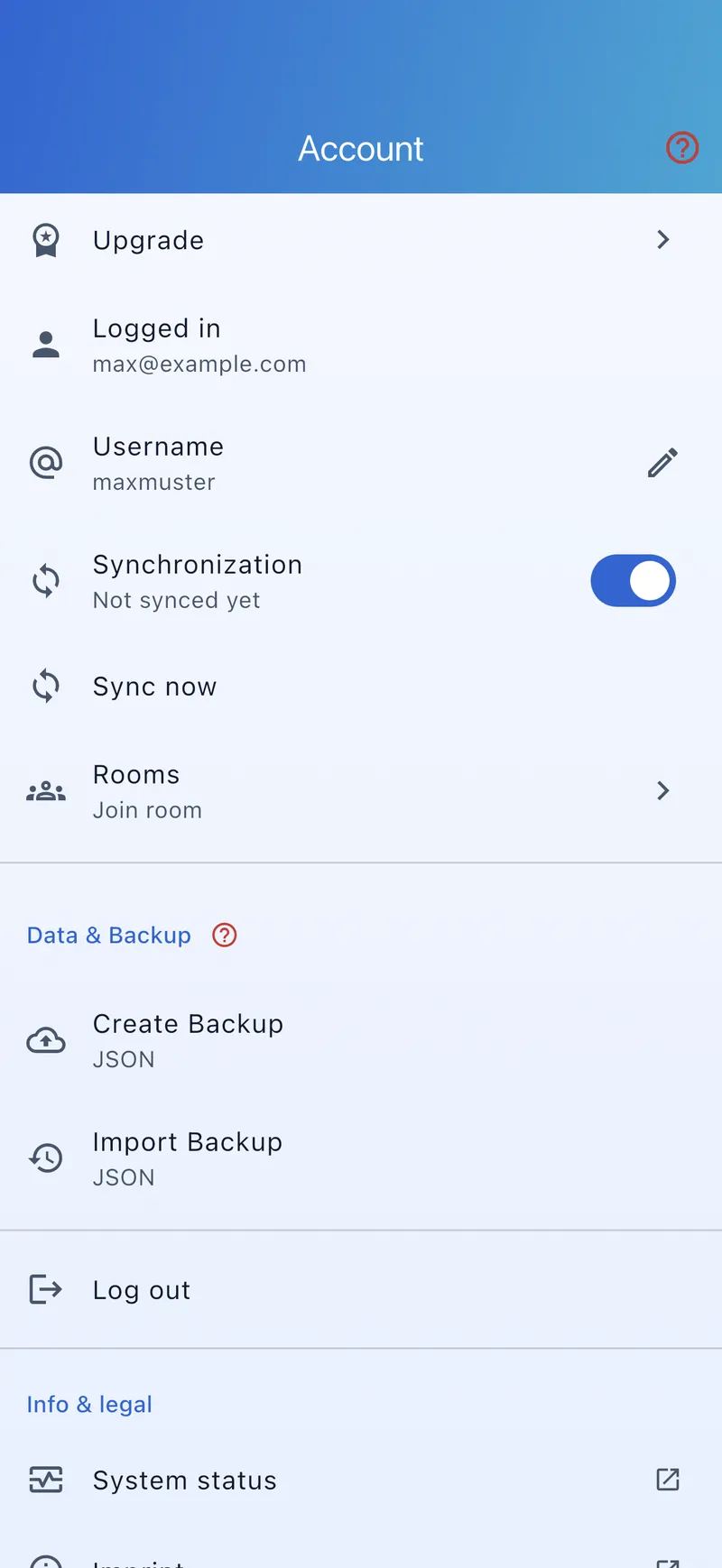
- Open the account area In settings under “Account”.
- Sign in Sign in with your CountTally account (secure sign-in). You then see who you’re signed in as.
- Enable sync Turn on synchronisation – it appears once you’re signed in.
How does syncing work?
- Automatic in the background: when sync is on, changes are reconciled automatically.
- Manual: “Sync now” triggers a reconciliation immediately.
- Status: an indicator shows “Syncing…”, “Synced” with a timestamp, “Paused”, “Offline” or an error.
Link multiple devices
Sign in on each device with the same account and enable sync. All signed-in devices share the same data – there’s no separate device list to maintain.
What gets synced?
- Your counters with values and settings.
- Your groups and sort orders.
- The counting history.
Offline behaviour
- All data lives locally on the device – the app works offline at any time.
- Without internet, changes are queued and reconciled automatically when you reconnect.
- Syncing is encrypted; the servers are located in Germany.
⚠️
If your subscription expires, your already-synced data stays frozen on the server and is not lost. You can keep counting locally as usual; active syncing pauses until you have a suitable subscription again.