


Export & backup
Your data is yours. CountTally offers a free backup export plus – from Lifetime – analysis exports as CSV, PDF and image.
Backup export & import
The backup export saves your counters, groups and settings to a file. Via import you restore them on the same or a new device.
🛡️
Backup export/import is always free – even on the Free plan. It's the simplest way to move data to a new device without an account. (Automatic device sync is available with Pro.)
Export your analysis Lifetime
For reports and further processing, export your counting data in common formats:
- CSV – event log: every counting action with a timestamp.
- CSV – daily statistics: aggregated values per day.
- PDF report: a prepared overview to share or archive.
- Share as image: a styled result image for chat or social media.
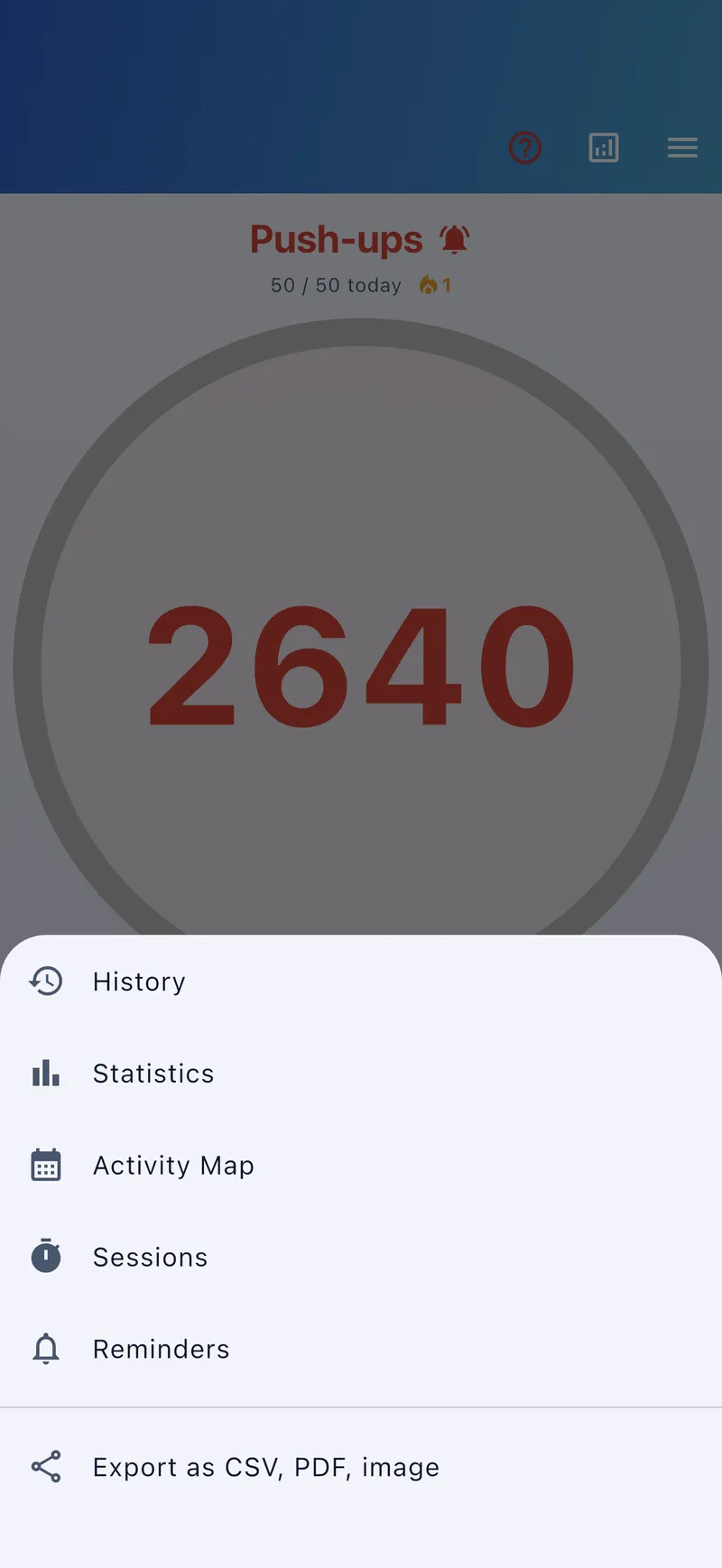
Open the export via a counter's analysis/share menu.