


Getting started
CountTally is a digital counting tool for phone, tablet, desktop and browser. Create as many counters as you like and count by tap, keyboard, mouse or volume keys – offline, with no account and no sign-up.
Launching the app
When you open the app, a short animated splash screen appears with the logo and the motto “Count what counts!”. It flows straight into your counter overview with no loading screen. There is no setup wizard and no mandatory sign-in – the app is ready immediately.
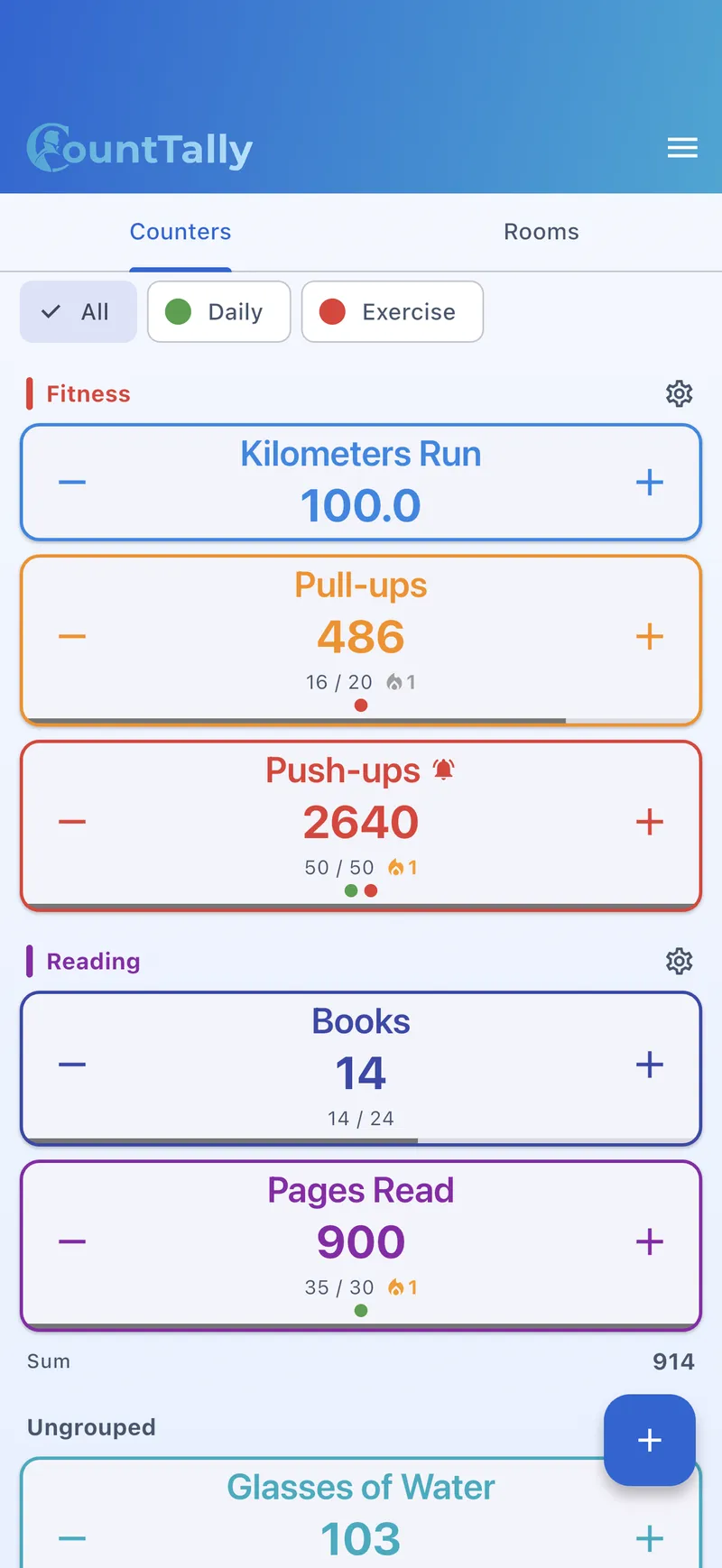
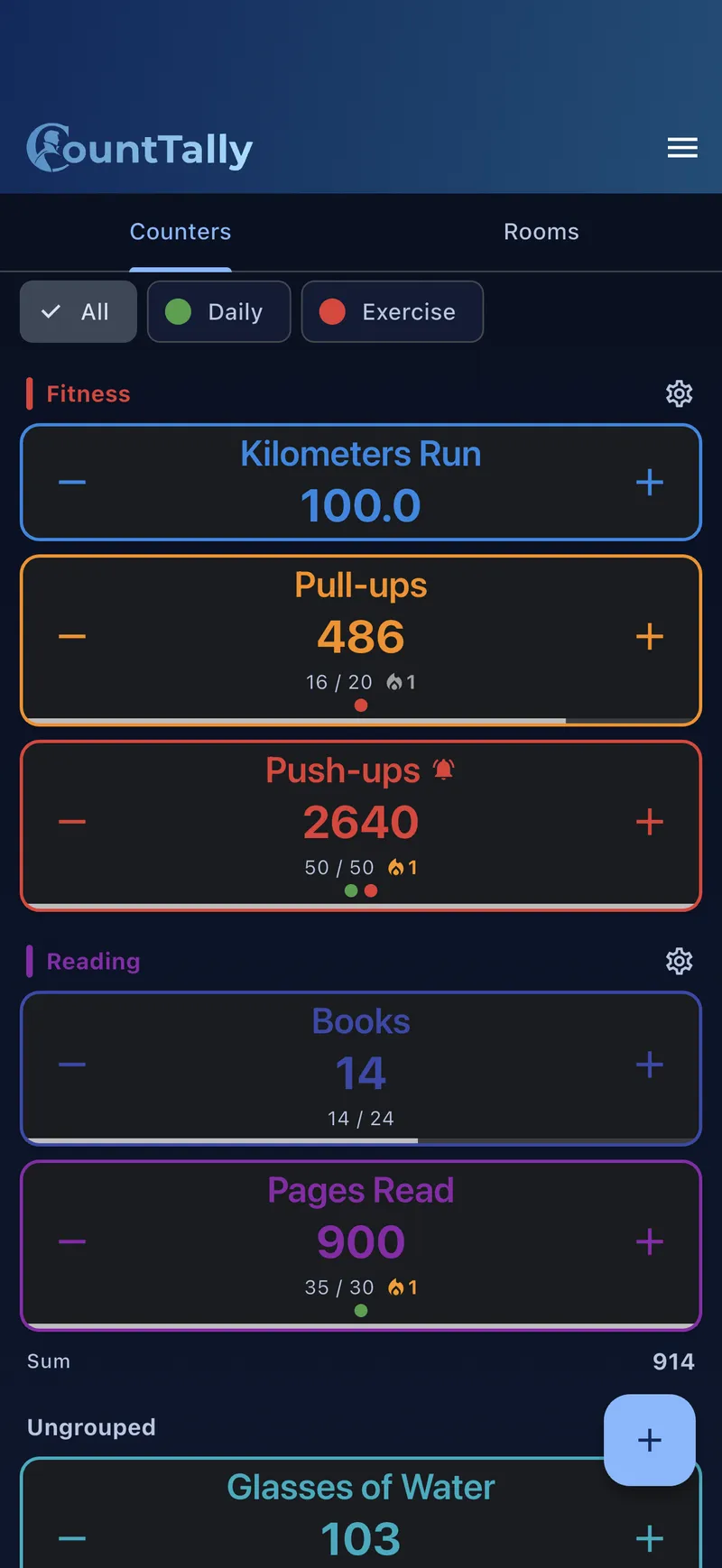
Create your first counter
- Open the overview You start right on the counter overview. The first time, it’s empty.
- Tap “+” Use the plus button to create a new counter.
- Give it a name Name your counter, e.g. “Push-ups” or “Guests”.
- Customise (optional) Start value, step size, colour, symbol and shape can be set now – or changed any time later.
- Save Done – the counter appears in your overview.
Using a counter
- Count up: tap the large number (or press the Space bar, or the Volume up key on Android if enabled).
- Count down: via the minus button.
- Count automatically: with auto-count the counter keeps going by itself at an adjustable pace (interval/BPM, tap tempo).
- Step size: the default is
+1. Each counter can use any step – including+5,+100or negative values. - Reset: returns the counter to its start value. By default you’re asked first (can be turned off in settings).
Haptics and a click sound give you feedback on every count. Set both in Settings.
The plans at a glance
Counting is and stays free. You only pay for what truly does more:
| Plan | Type | What’s included |
|---|---|---|
| Free | free | Unlimited counters & groups, core counting, themes, basic statistics (14-day history), backup export. Ad-supported. |
| Lifetime | one-time | Everything in Free, fully ad-free, full statistics & charts (30-day history), CSV/PDF & image export, loop mode, sessions, tags, reminders, formula counters, scoreboard sets, full cosmetics. |
| Pro | subscription | Everything in Lifetime plus device sync across all devices (90-day history). Account required. |
| Premium | subscription | Everything in Pro plus rooms & live collaboration, audit (who/when) and stream/OBS overlays (365-day history). |
A detailed comparison is on the pricing page. Purchases are in-app (Apple, Google, Microsoft) and apply across all platforms once you sign in.
Free and Lifetime work fully offline and without an account. You only need an account for sync (Pro) and rooms/overlays (Premium).